
Getting Started
Welcome to Edge
Find where to start in Learn, Observe, and district administration, based on the roles you hold.
Edge brings your district’s professional learning and classroom observations into one place. Teachers take assigned courses and respond to observations. Observers and coaches record classroom visits. Principals and district staff track progress and set up the school year.
Your district may use Learn, Observe, or both. Each one is turned on separately, and a module that is off does not appear in your menu.
Where you land
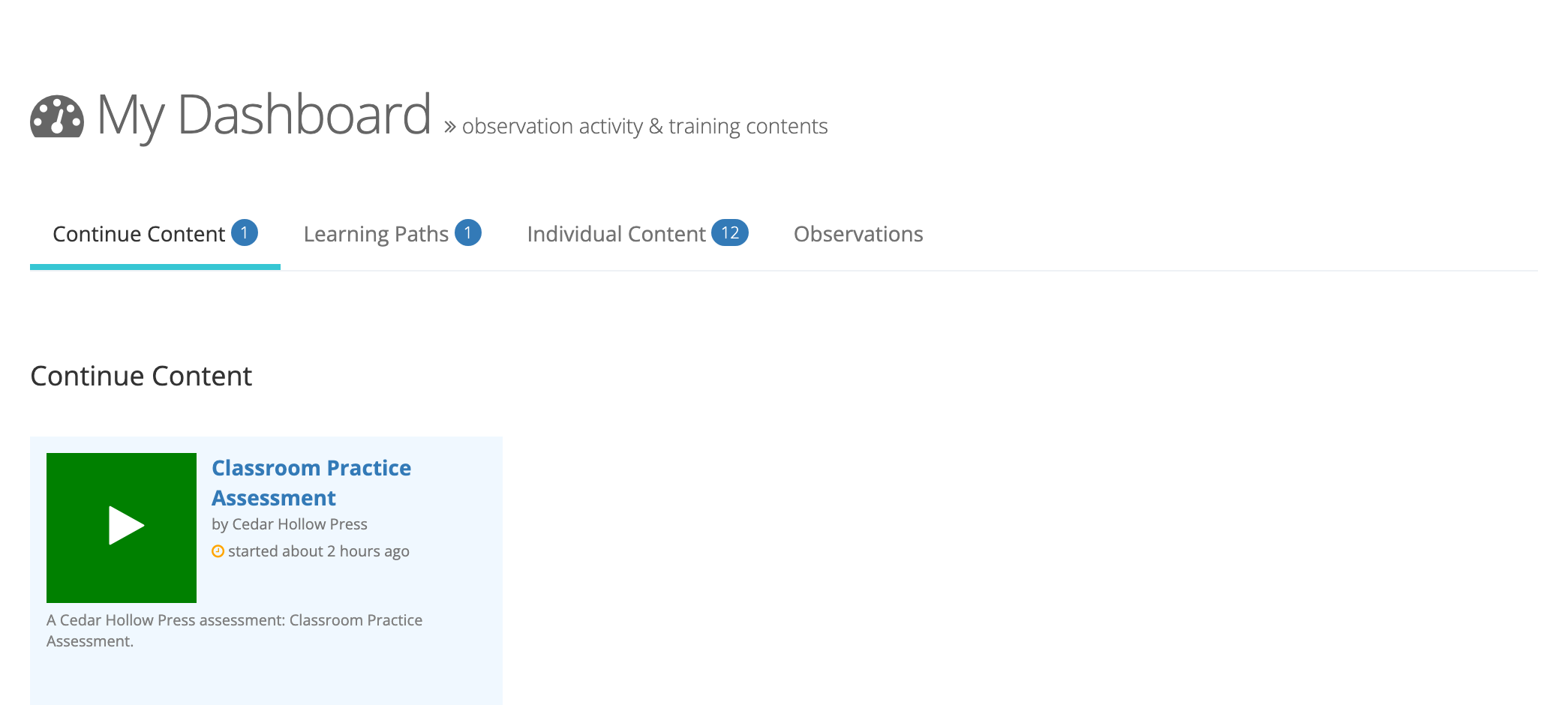
Section titled “Where you land”When you sign in, you land on My Dashboard. It shows one tab for each kind of learning content you have, with a count on each tab, and an Observations tab when you observe teachers, are observed, or administer a school. Organization administrators land on the Admin Dashboard instead.
Start with your role
Section titled “Start with your role”Your menu shows only what your roles allow, and one person can hold several roles. See Understanding User Roles and Permissions for the full list.
| If you are | Start here |
|---|---|
| A teacher or other staff member | Your Observations as a Teacher · Accessing Your Learning Content · Viewing My Transcripts |
| An observer (coach, assistant principal, department head) | Conducting Your First Observation · Coaching |
| An evaluator | Performance Reviews Overview |
| An organization administrator (a principal, for example) | Admin Dashboard Overview · Managing Observations |
| A system administrator (district office) | System Configuration · Managing Users and Organizations · Getting a School Ready for Observations |
| A reporter | Observe Reports · Learn Reports Overview |
| A proctor | Getting Started as a Proctor |
Courses, assessments, learning paths, and certificates your district licenses and assigns to your school or group. Each completion is recorded on your transcript.
Start here: Learn Overview · Who Sees What in Learn · Taking Courses
Observe
Section titled “Observe”Classroom observations on your district’s forms, teacher reflection and acknowledgment, coaching cycles, and summative performance reviews. Coaching cycles and performance reviews appear only when your district has them turned on.
Start here: Observe Overview · Reflection & Acknowledgment · Performance Reviews Overview
Administration
Section titled “Administration”District setup lives in System Administration, which system administrators open from the gear icon in the top bar: staff accounts and roles, schools and groups, licenses, and Observe settings.
Start here: System Configuration · Inviting and Re-engaging Users · Setting Up Schools and Groups